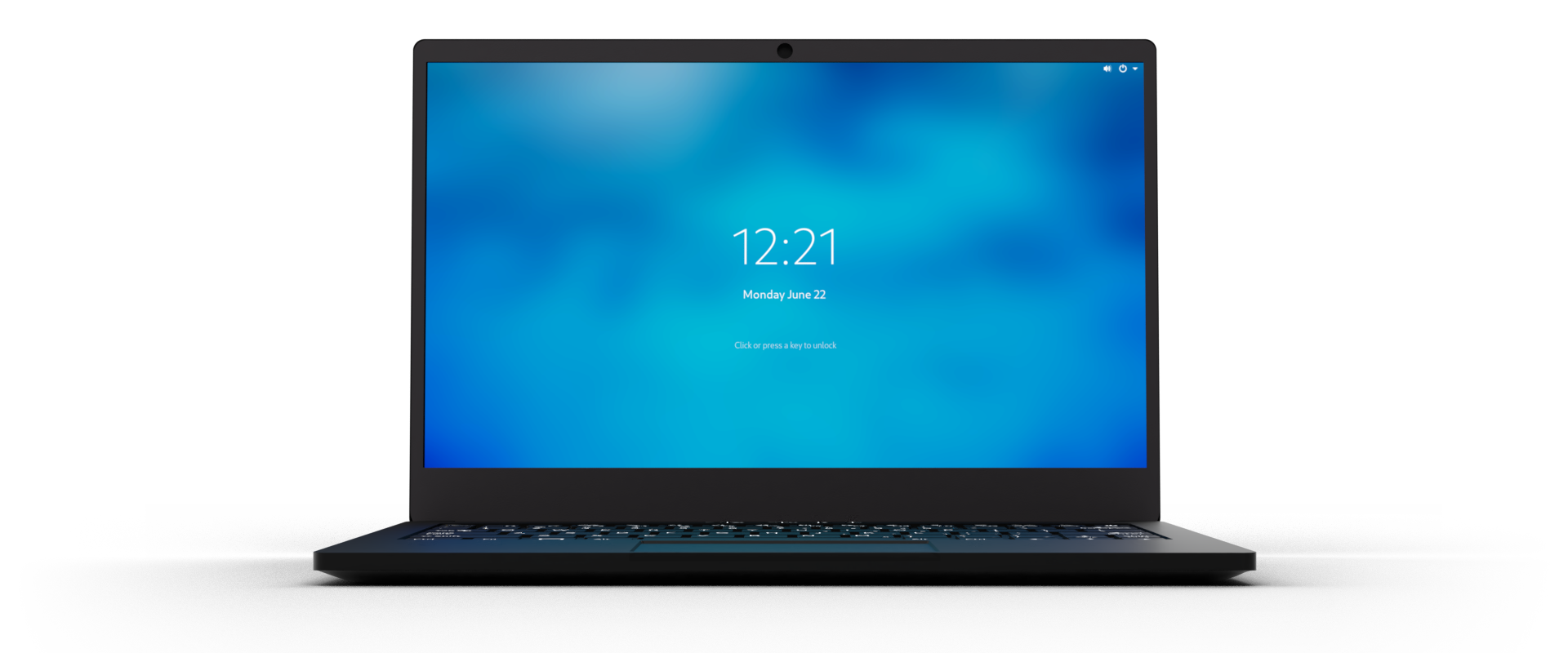
Librem 14 – Full Qubes Support
Qubes is a high-security operating system that makes it easy to isolate workflows into different virtual machines (VMs) or “Qubes” that you can label, colorize, and firewall off based on trust level. One of the challenges finding the best Qubes laptop has always been hardware compatibility–Qubes uses advanced Xen features and relies on hardware virtualization extensions like IOMMU to power all of its virtual machine features and the Linux kernel in Qubes often doesn’t support all of these features on all hardware.
While Qubes maintains a community-built hardware compatibility list, it’s not always up to date and typically reflects Qubes support on a particular piece of hardware in a point in time. Since few vendors apart from Purism test Qubes on their hardware, much less support it, if you want to run Qubes on your own laptop, you are often on your own.
Qubes’s heavy reliance on virtualization also means that machines running Qubes typically need more resources–in particular RAM and fast storage–than a regular operating system. It’s not uncommon to have five to ten virtual machines running at a single time with many of them running their own independent web browsers. While Qubes lists 4GB of RAM as the minimum, to get the most use out of Qubes you really need a minimum of 8GB of RAM, with 16 or 32GB RAM recommended if you intend to create and run many VMs simultaneously