Making Videos With Absolute Freedom
Purism
Latest posts by Purism (see all)
- Making Videos With Absolute Freedom - August 5, 2026
- PureOS Development Report: June 2026 - July 31, 2026
- PQC Encryptor Video Demonstration - July 9, 2026
As with every video that we make at Purism, we have made the Librem 16 launch video in house with Librem hardware running PureOS, and using free software only.
This blog post will give a quick overview of the steps that we went through for making this video. It will also show how to run a video project with total freedom, away from proprietary constraints. Finally, it underlines how amazing the Librem laptops are when used in a professional creative environment.
Making the storyboard
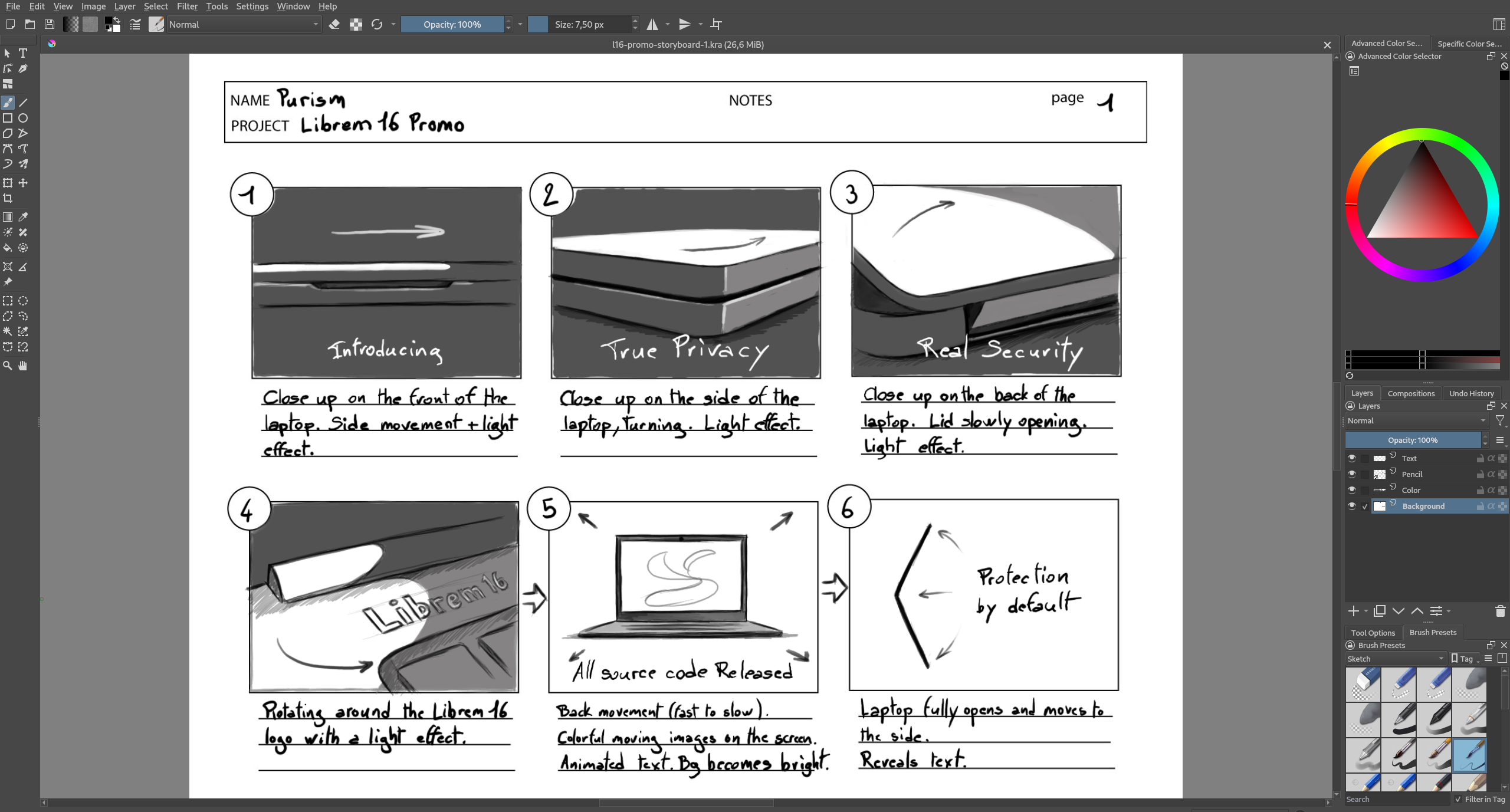
As a first step always comes an idea. This idea is then described by words into a script. Then, the script is translated into drawings through a storyboard. The storyboard describes each shot with its effects, camera angle, and camera movement through a simple sketch drawing. Making a storyboard helps the team to visualize what the final result will look like and is a good time to discuss any changes before going for the production.
There are several great options for drawing with a Librem computer such as GIMP or Krita. For this project, we decided to use Krita, which has been adopted by many professional artists. It has a great brush engine and some powerful features, including a vector engine and a timeline for animations.
For making the drawings, we attached a Wacom Cintiq 13HD graphics tablet to our Librem 14. This was our option but many other modern graphics tablet can be used out of the box with a Librem laptop.
Modeling the Librem 16
There is no live action in this video. It is entirely made out of 3D graphics. However, we see no reason to use AI for that matter when we have the gear, the creativity, and the excitement to do such a project!
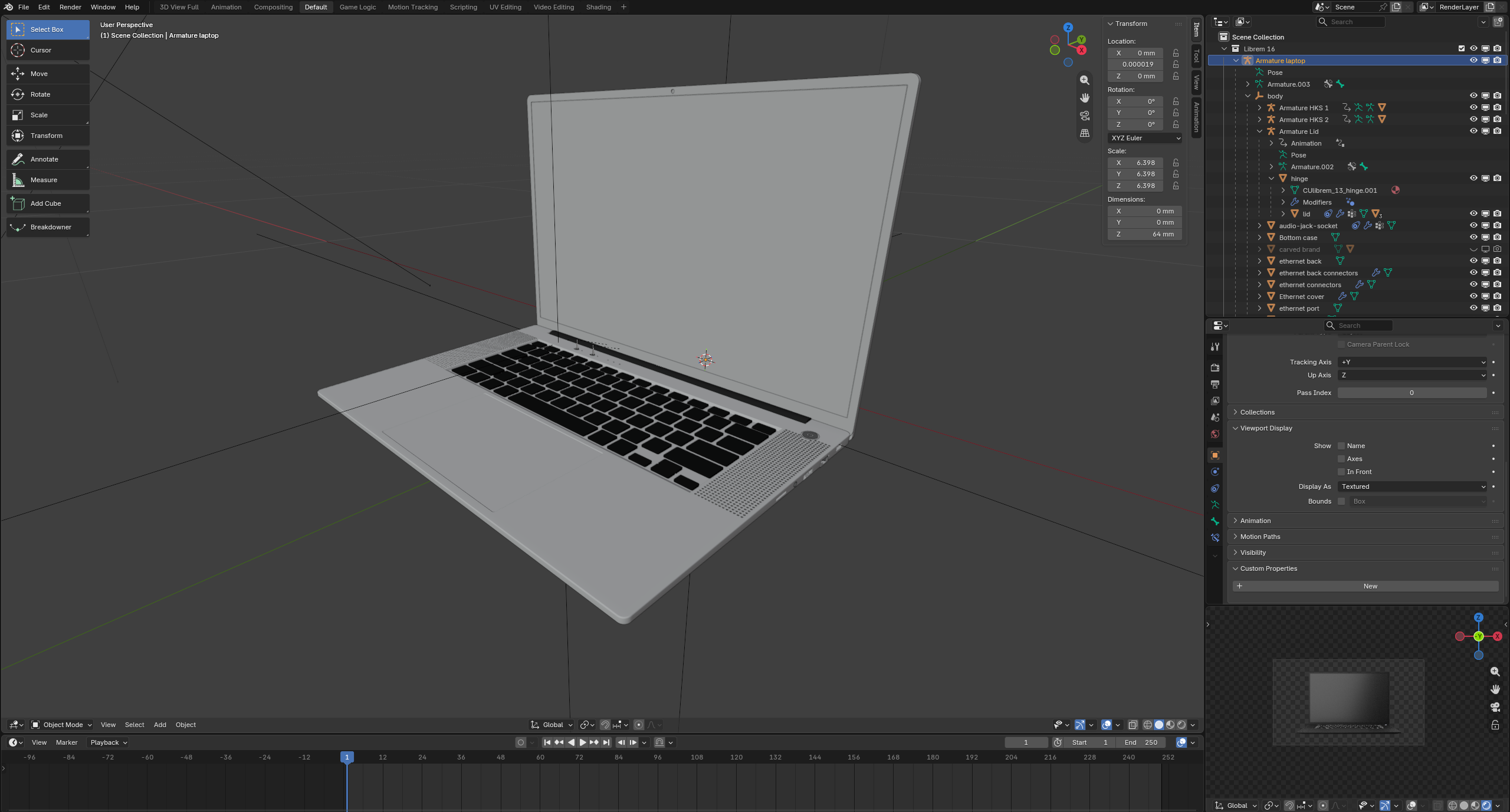
Therefore, the next step was to create a 3D model of the Librem 16. To do so, we used Blender, which is one of the best 3D graphics software out there. Blender is already widely used, with a large support by artists from all over the world. It has even been used for making feature films such as Next Gen (2018) or the award winning Flow (2024).
A first version of the Librem 16 3D model was actually made prior to making this video and served as a visual prototype for the Librem 16’s design. This 3D model had to evolve during the hardware production of the laptop, due to some mechanical requirements, and was ready on time for the video production.
Animating
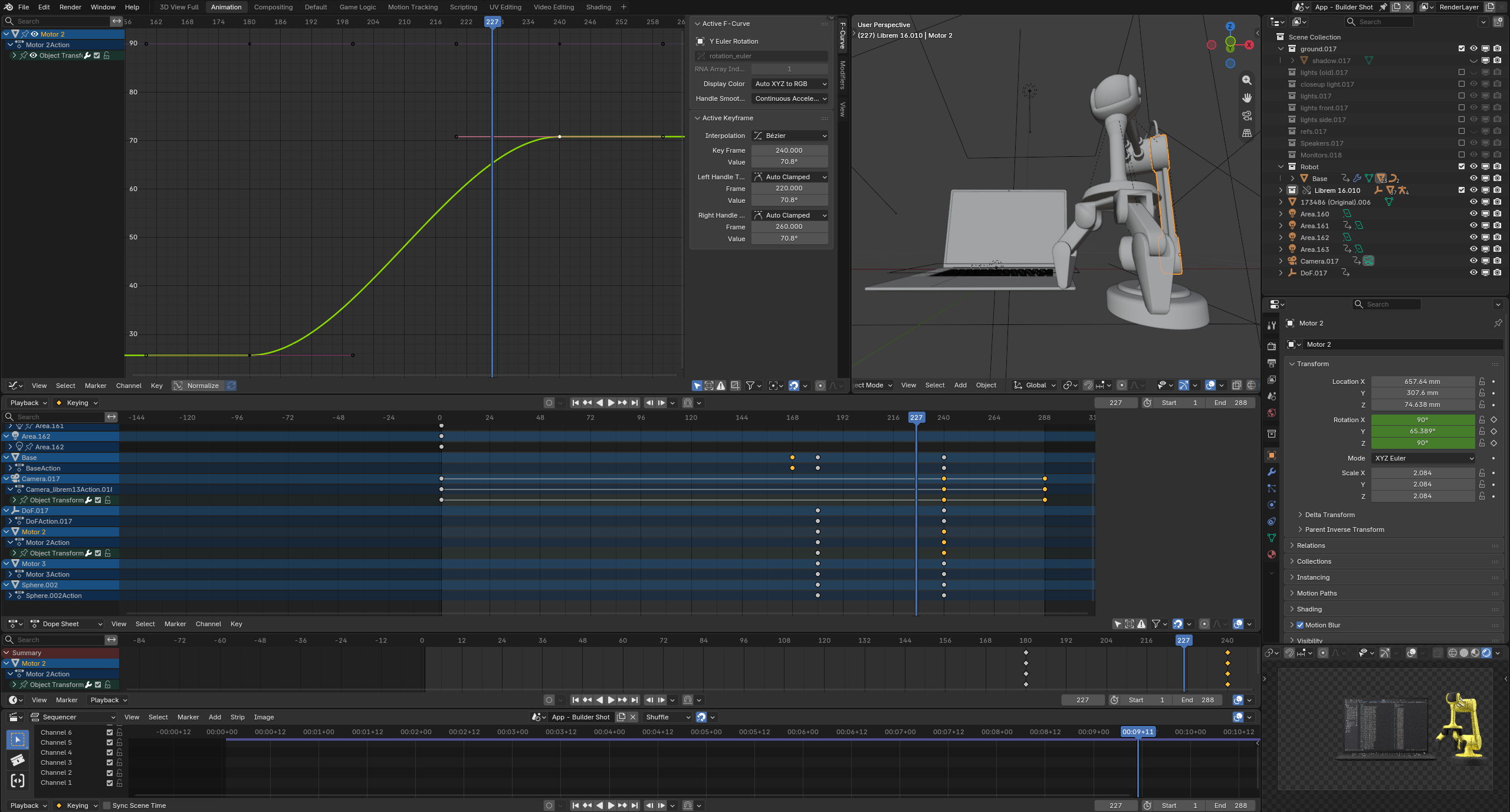
Once the 3D model completed, it was time to start animating it in order to produce each shot from the storyboard. As a good practice, we made the 3D model in its own Blender file, then, linked it to each scene of the animation file. This way, any modification made on the 3D model is done once and reflected to each scene.
In order to display the Librem 16’s screen content in the animation, screen captures were made directly in PureOS, as video files. Those video files were then incorporated into the Blender scenes.
Editing
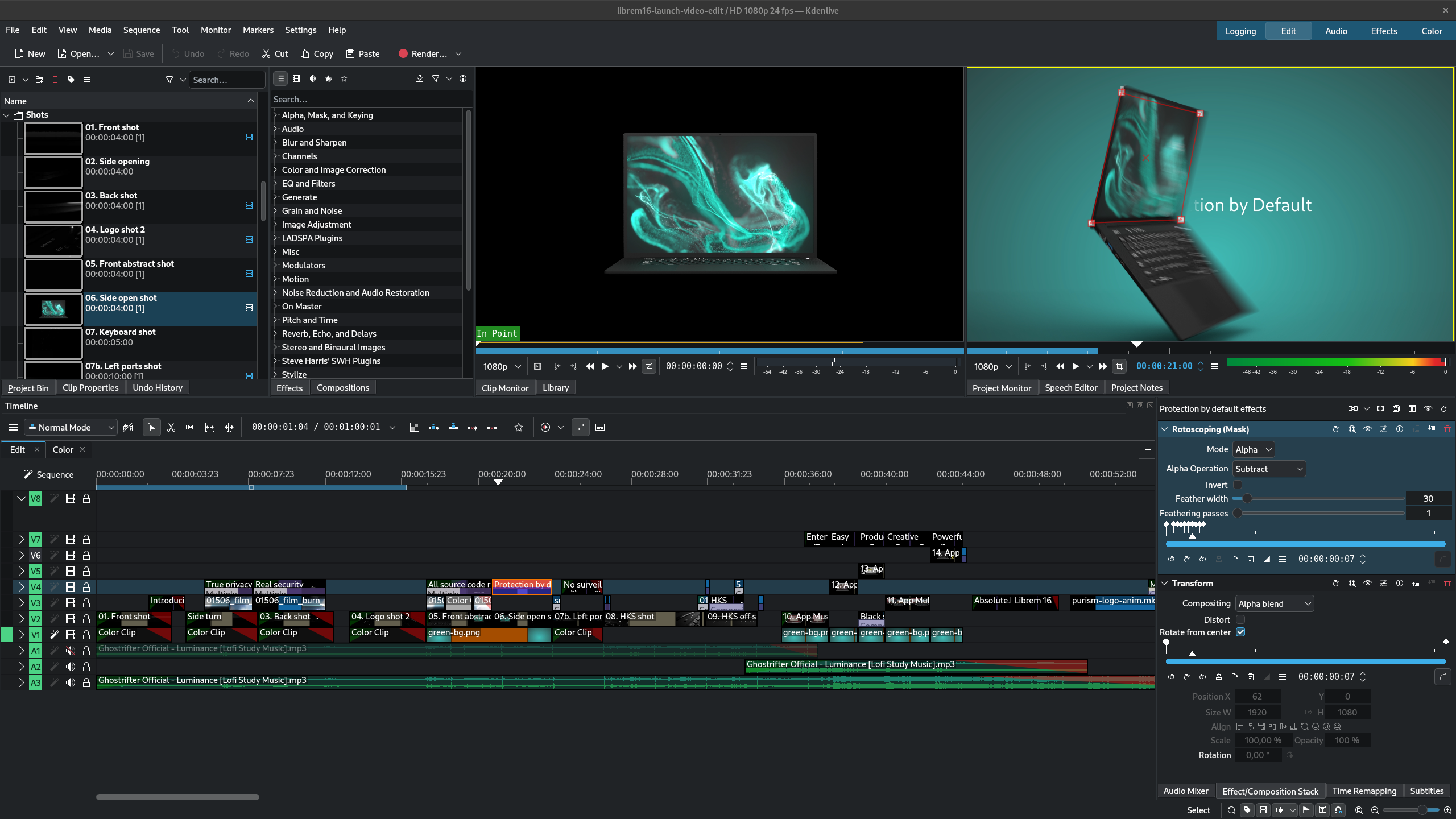
With each Blender animation being rendered as a high quality PNG image sequence, it was time to start editing everything together to form the final video. For that matter, we have been using Kdenlive, which is a full featured and widely used open source video editor.
The music was added to the video at this stage. A free licensed music from Ghostrifter was used. We chose this music because it is soft, it reminds tranquility, peace of mind, and protection.
Finalizing the video
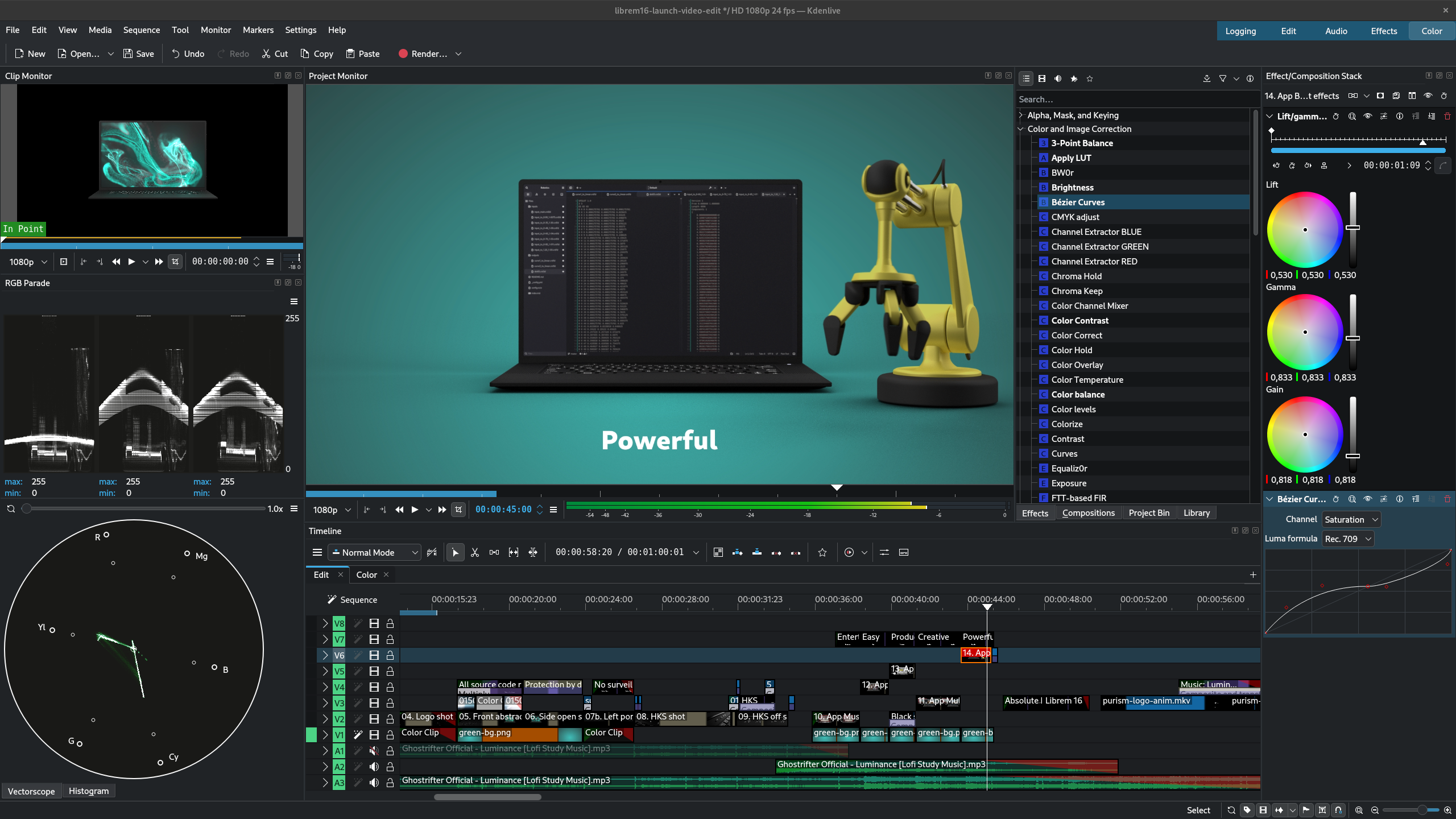
The last touch, once the edit has been validated, was to color correct each shot for the video to feature a constant look and feel. The same usually goes for the audio but in our case, with a single music track, there was no need for polishing the audio.
For color grading, Kdenlive offers a “color” panel with useful tools like a vector scope and RGB parade scope, which let one know about the state of the color of the picture.
Conclusion
The end result is a beautiful video that starts in a dark environment, and while the Librem 16 shows what it is all about, everything becomes brighter and colorful. The music builds up, along with a nice rhythm, for accompanying the visual transitions, and symbolizing the respect, security and freedom that the Librem 16 is about.
We are proud to make this kind of project in house, with our Librem hardware and software freedom. It shows that not only working with our Librem devices help us improving them, but that they are already powerful solutions ready for serious projects.
You can learn more about the Librem 16 or get your own now!
Purism Products and Availability Chart
| Model | Status | Lead Time | ||
|---|---|---|---|---|
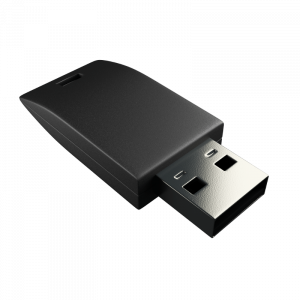 | Librem Key (Made in USA) | In Stock ($59+) | 10 business days | |
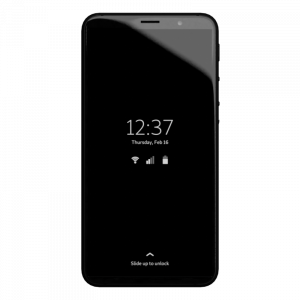 | Liberty Phone (Made in USA Electronics) | Available on backorder ($1,999+) 4GB/128GB | < 4 weeks | |
| Librem 5 | In Stock ($799+) 3GB/32GB | 10 business days | |
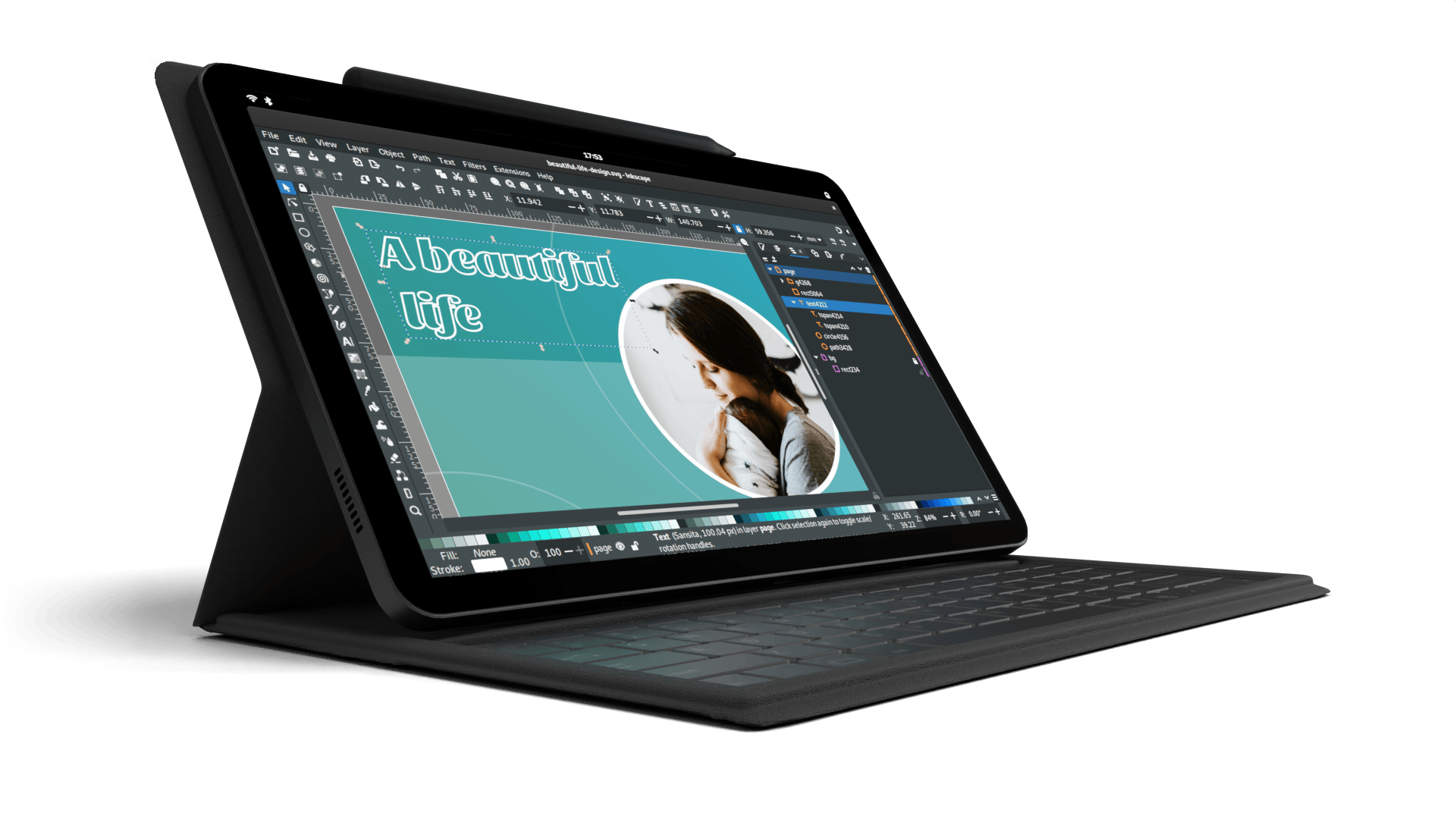 | Librem 11 | Out of stock | New Version in Development | |
 | Librem 14 | Out of stock | New Version in Development | |
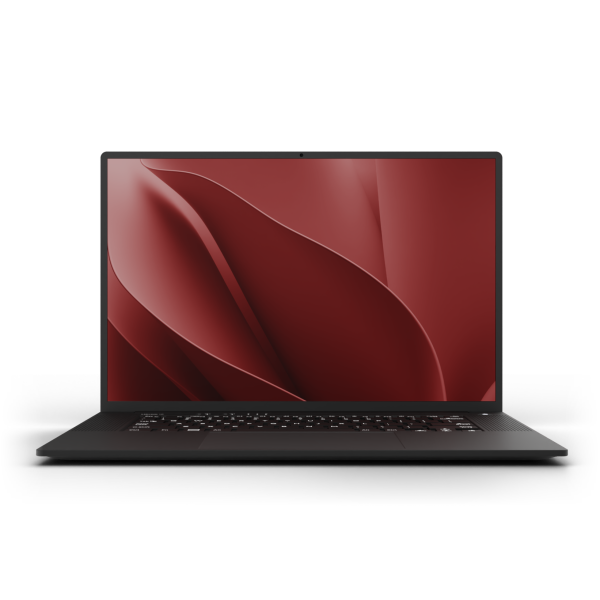 | Librem 16 | In Stock ($2,899+) (up to 64GB/16TB) | 10 business days | |
 | Librem Mini | Out of stock | New Version in Development | |
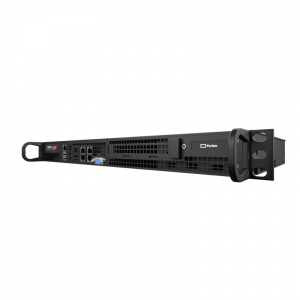 | Librem Server | In Stock ($2,999+) | 45 business days | |
 | Librem PQC Encryptor | Available Now, contact sales@puri.sm | 90 business days | |
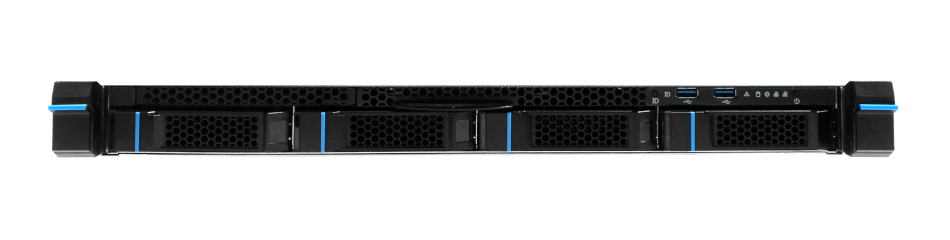 | Librem PQC Comms Server | Available Now, contact sales@puri.sm | 90 business days |
Recent Posts
Related Content
- Making Videos With Absolute Freedom
- PureOS Development Report: June 2026
- A STEP ahead for customization with the Librem 16
- An exciting future with the Librem 16
- PureOS Development Report: May 2026